AI flowcharts for automation admins
OVERVIEW
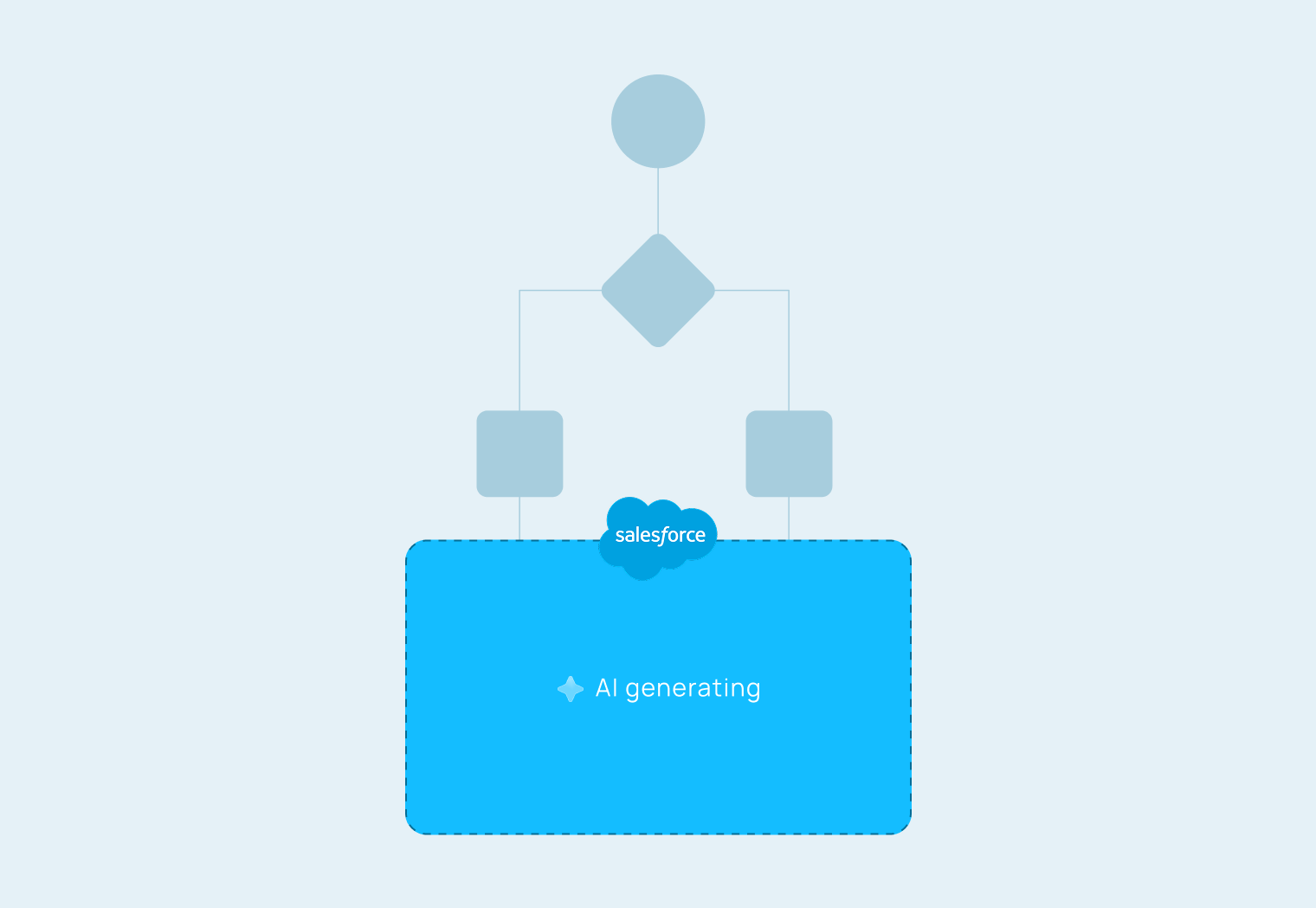
Salesforce admins waste hours re-diagramming complex workflows into simplified visuals just to explain build status to stakeholders before every meeting. The solution adds AI-generated flowcharts directly inside the tool, one click to create, edit, and share a browser-friendly version that stakeholders can actually read and comment on.
ROLE
Research, design and implement end-to-end platform
TOOLS
Figma, Cursor, Antigravity, Claude Code
Design process was constantly pressure-tested against real admin workflows. A feeds B feeds A.
PROCESS A
Talking to Salesforce admins to understand their collaboration pain points, map their workflow, and test whether the problem was worth solving.
PROCESS B
Conceptualizing, wireframing, and prototyping solutions, then putting them in front of admins to validate before going deeper.
Raw automation to a flowchart that stakeholders can read in minutes.
PROCESS BEFORE AI INTEGRATION
Admins would spend hours creating flowcharts manually, often using Lucidchart or other tools so that stakeholders could actually read and comment on them.
AFTER AI INTEGRATION
Admins could now generate flowcharts in minutes, and stakeholders could read and comment on them in real time.
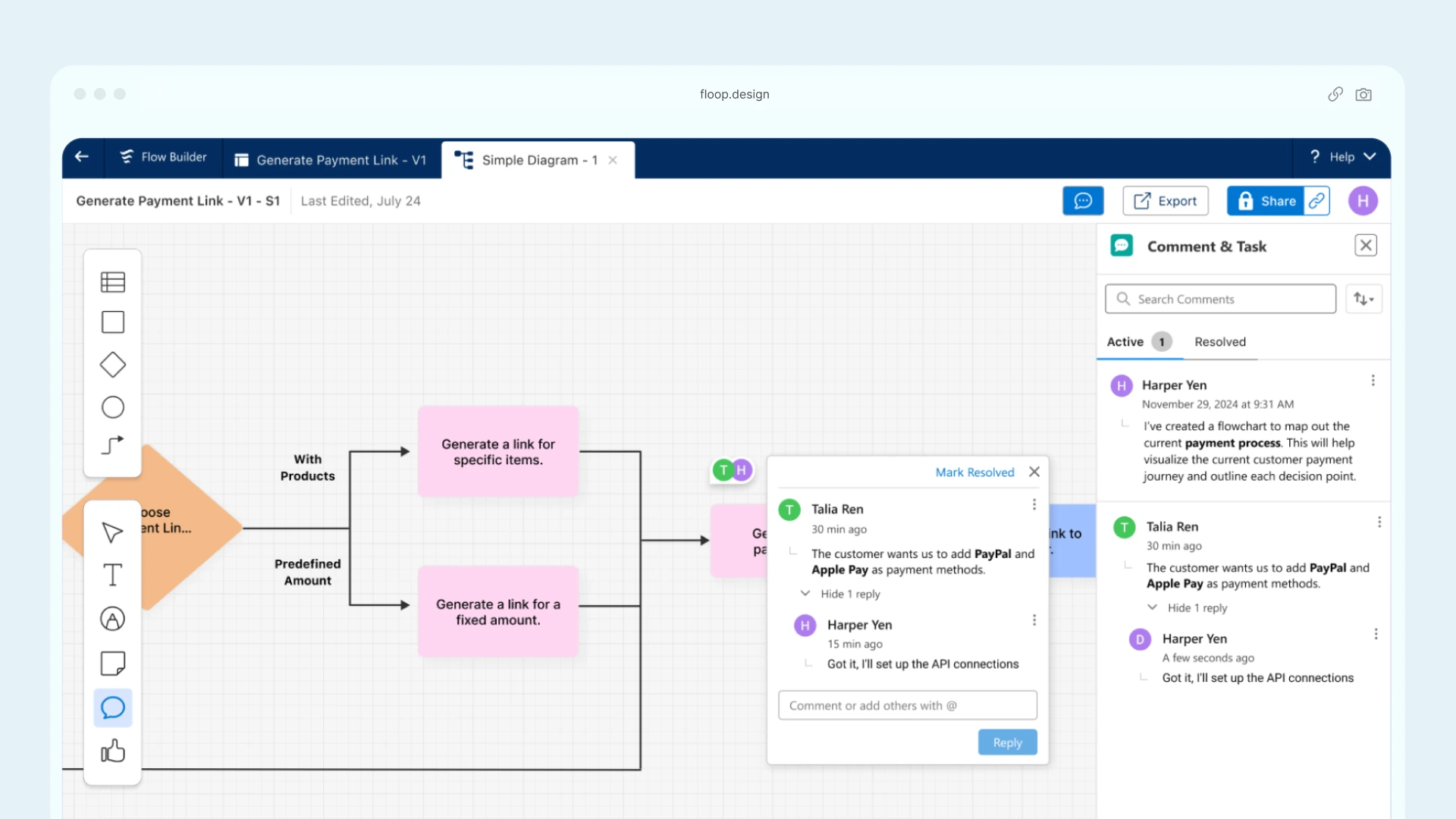
Hours lost to Lucidchart before every meeting was now gone
Salesforce admins were prompted to explain build status traditionally and with the AI flowchart feature. Compared the time and number of steps spent creating a simplified version for stakeholders.